Mahalaxmi Nirman / Products / PaperScan
Every paper you own, in your pocket.
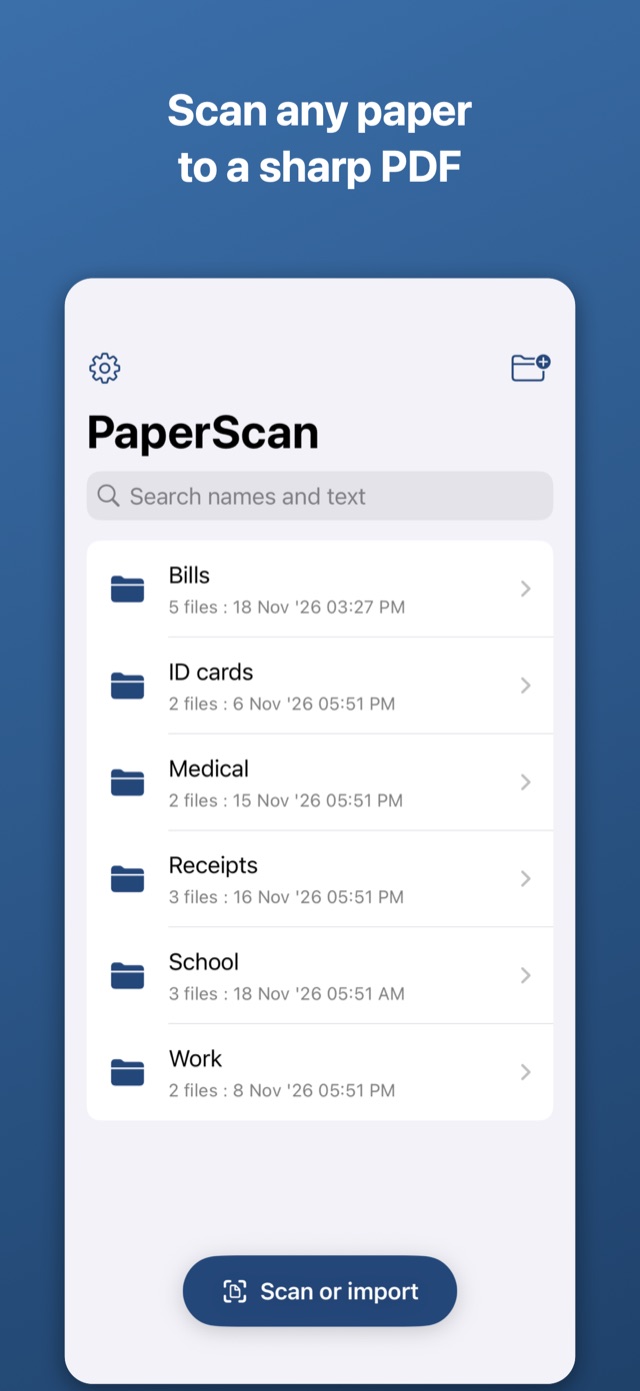
PaperScan is a free document scanner and PDF scanner app. Scan to PDF with no watermark and no login, then search, sign, merge and share — all offline, all on your phone.
What it does
One app for scanning and everyday PDF work
Scan to PDF
Point the camera at a page and it is detected, cropped and straightened. Save many pages as one PDF, or as separate JPG images.
Search inside your scans
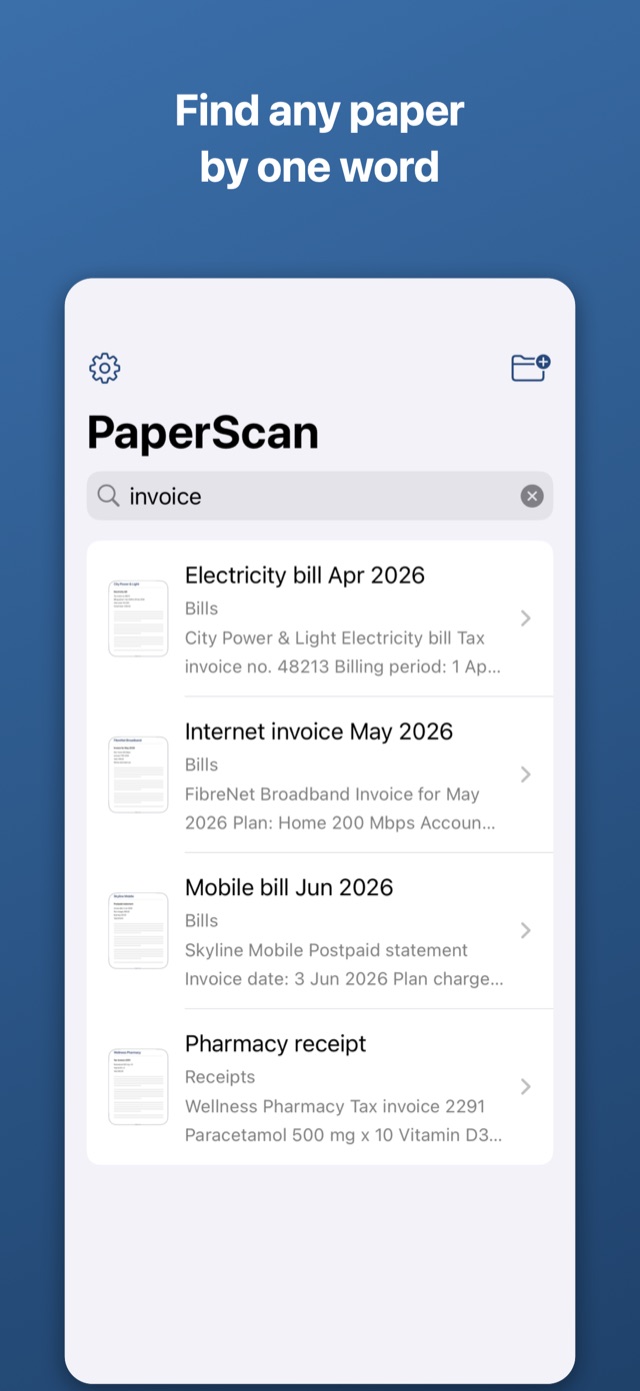
Turn on text recognition and every scan becomes a searchable PDF, in English and Hindi. Copy or share the text from any page.
Fill and sign
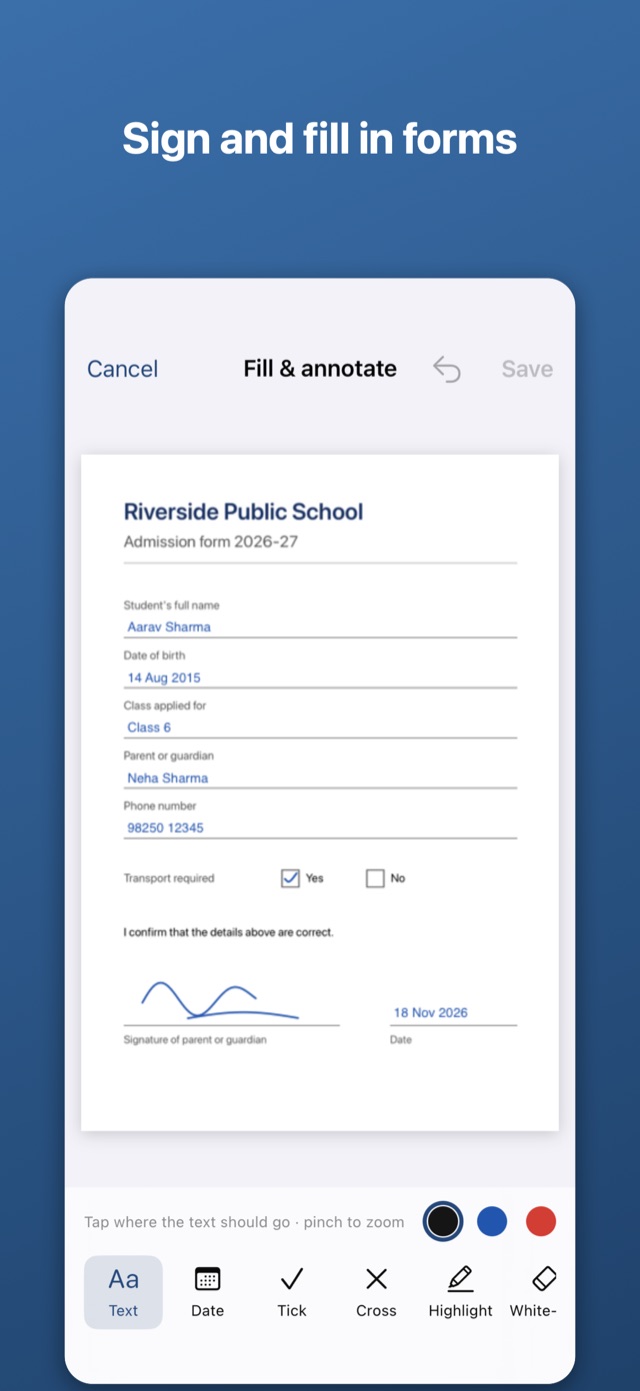
Type on any PDF or scanned form, add dates and ticks, highlight or white out, and sign with a saved handwritten signature.
Merge, split and compress
Combine PDF files, split them, reorder and rotate pages, compress for email and WhatsApp, and lock a file with an AES-256 password.
ID card on one page
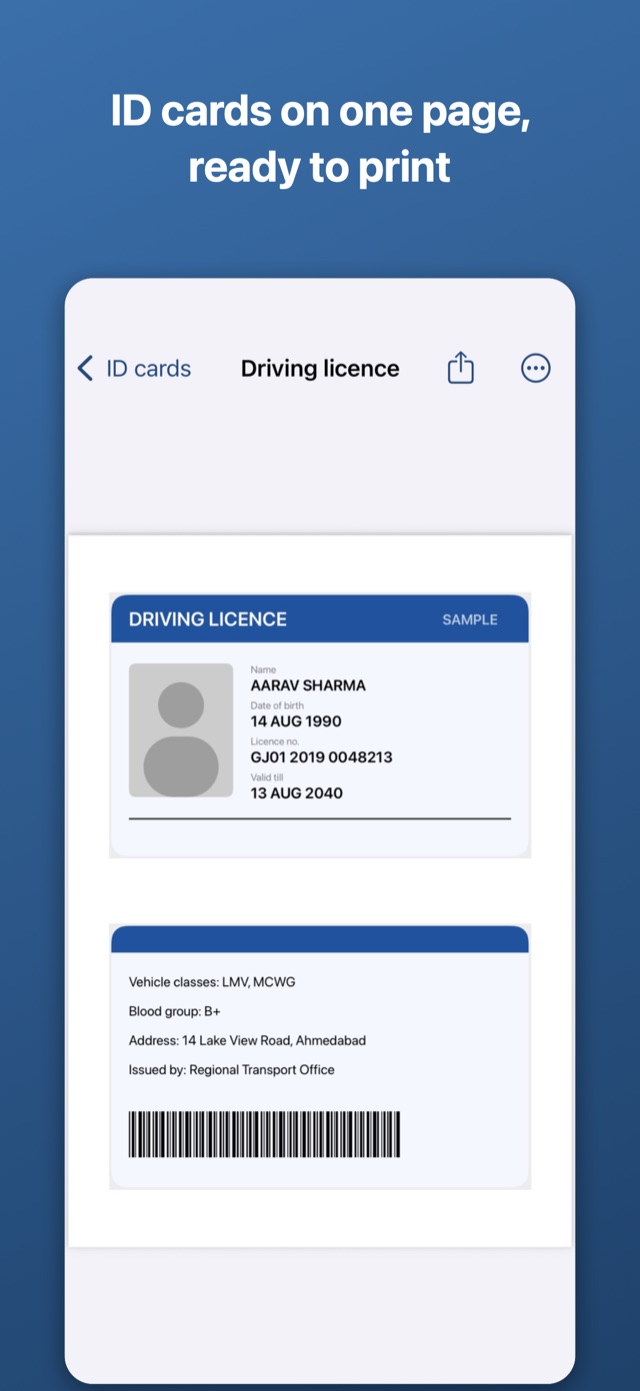
Scan the front and back of an ID card or passport, or pick two photos from your gallery, and get both sides on a single PDF page.
Organise and back up
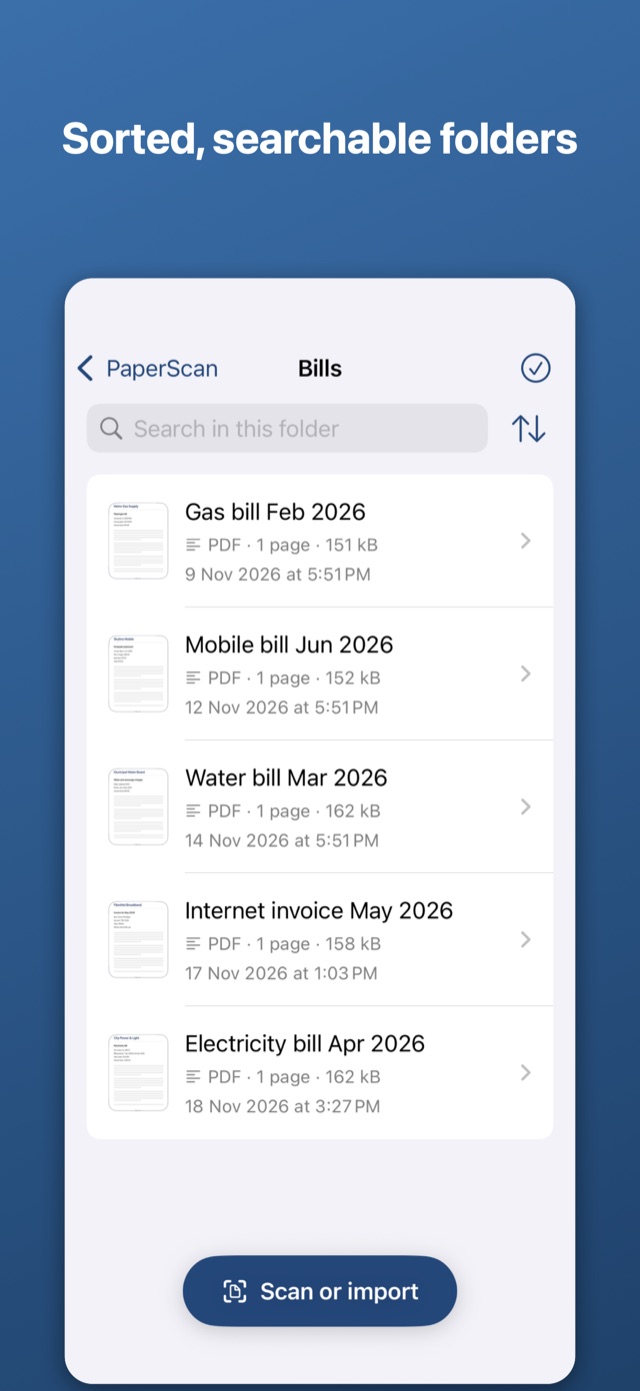
Folders, favourites and page previews keep files in order. Back everything up by hand, or automatically every day, week or month, to a folder you choose, and restore it on a new phone.
Smart file names
After a scan, PaperScan reads the page and suggests a name like “Electricity bill Apr 2026”. One tap to use it, or type your own.
Edit image
Crop, fix the corners, straighten, adjust colours, mark up, hide a number or a face, and shrink a photo to fit an upload form’s size limit.
Passport photo sheet
Pick a photo and get it repeated at the exact size (35 × 45 mm, 2 × 2 inch and more) on a 4 × 6 inch print or an A4 page.
Watermark PDFs
Stamp “Copy”, “Confidential” or your own words across every page or only the pages you pick, diagonal, repeated or along the bottom.
PDF pages as images
Save every page, or the pages you pick, as JPG images. Scanned pages come out in their original quality.
App lock
Keep your documents private with your fingerprint, face or screen lock. Files are hidden in the app switcher and on the widget while it is locked.
Private by design
Your documents are yours. Scanning, text recognition and every PDF tool run on your device, so PaperScan works without an internet connection.
- No account and no sign-up
- Scans, file names and recognised text are never uploaded
- PDF passwords are never stored
- Optional App lock with your fingerprint, face or screen lock
Start scanning in a minute
PaperScan is free and supported by ads.